Saved me a lot of time
I used to spend a lot of time iterating on complex prompts. Now I generate the structure first and refine it myself. The setup speed is much better.
Generate clear, reusable prompts and templates for content, SEO, marketing, and product work.
A good prompt does more than ask a question. It explains the goal, context, role, output format, and constraints clearly. IsWeber helps you organize that information quickly so the final prompt is more complete and more stable, making it easier for AI to return results that match your expectations.
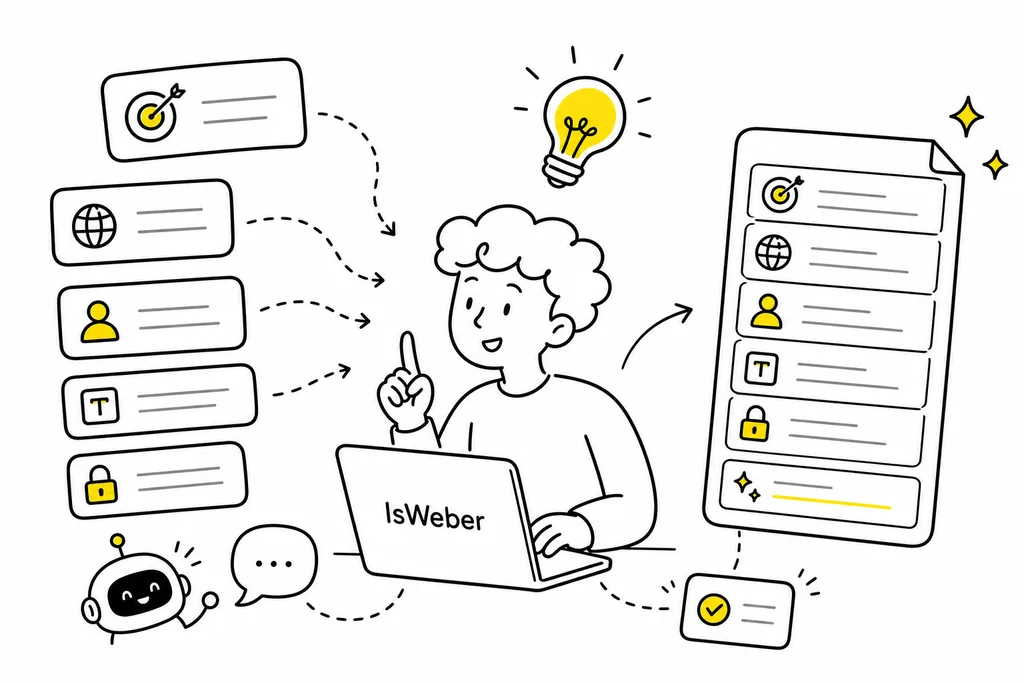
You often know what you want, but not how to say it to AI. This prompt generator turns scattered requirements into structured instructions based on your scenario, so you spend less time rewriting and re-asking.
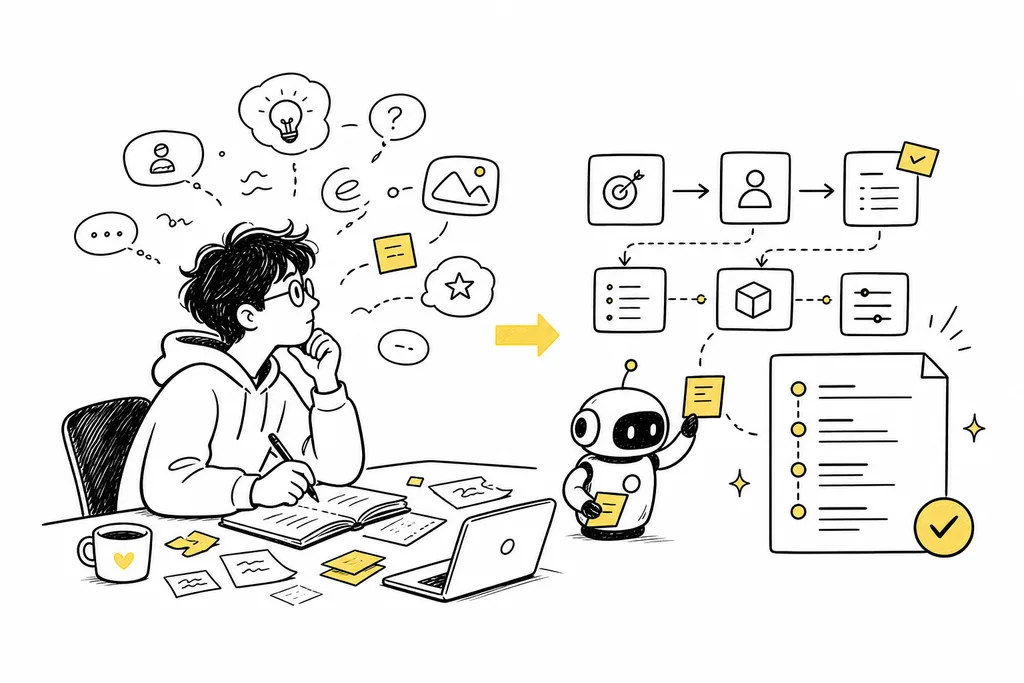
Whether you are doing content creation, SEO pages, product copy, user research, operations planning, or indie development, it helps you generate prompts for the task at hand and move faster every day.

You can save the prompts you use often and organize them by scenario, project, or workflow. When similar work comes back, you do not need to start from zero. Just adjust the variables and reuse what already works.
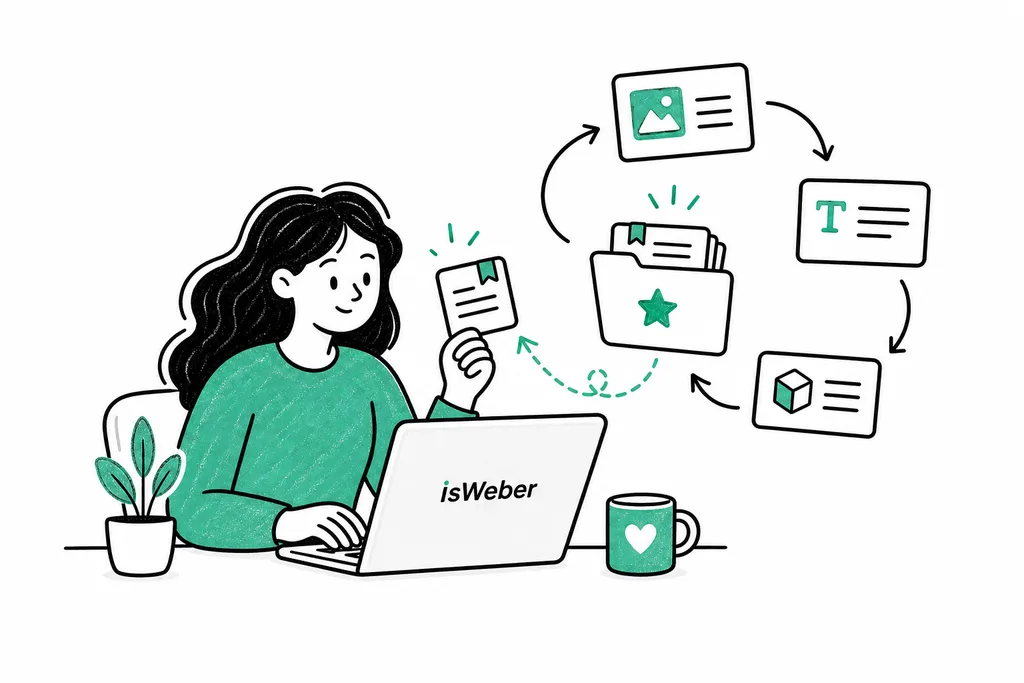
Create prompts for article outlines, landing page copy, SEO titles, product descriptions, user personas, competitor analysis, and more so AI fits your real workflow better.
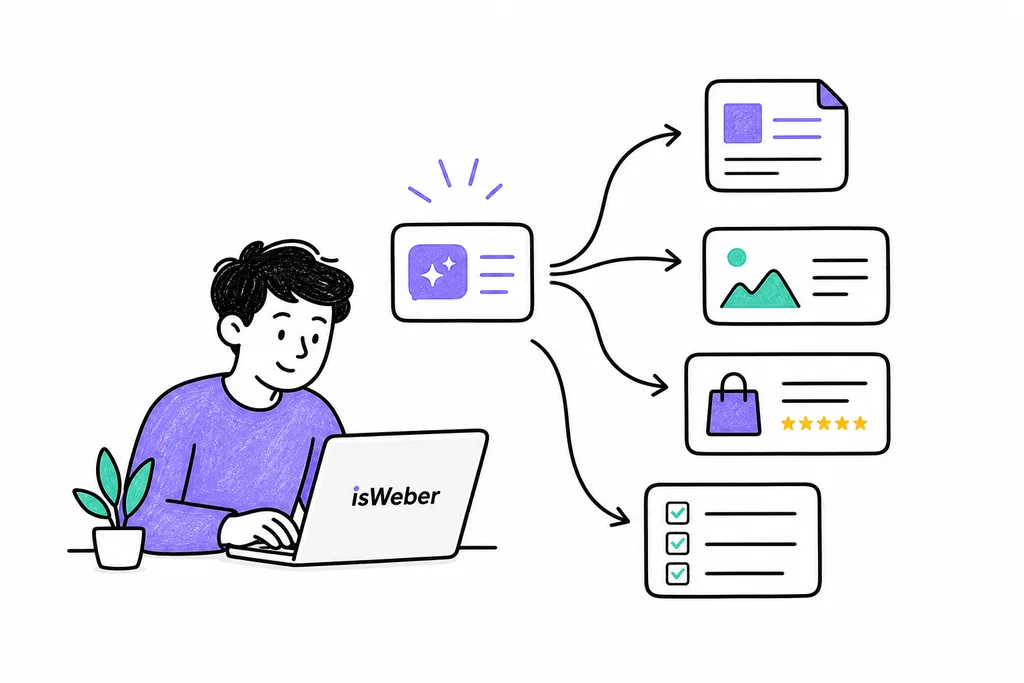
When a prompt gets used again and again, it is no longer just text. It becomes a repeatable method. IsWeber helps you save high-frequency AI actions as templates and gradually build your own AI workflow assets.
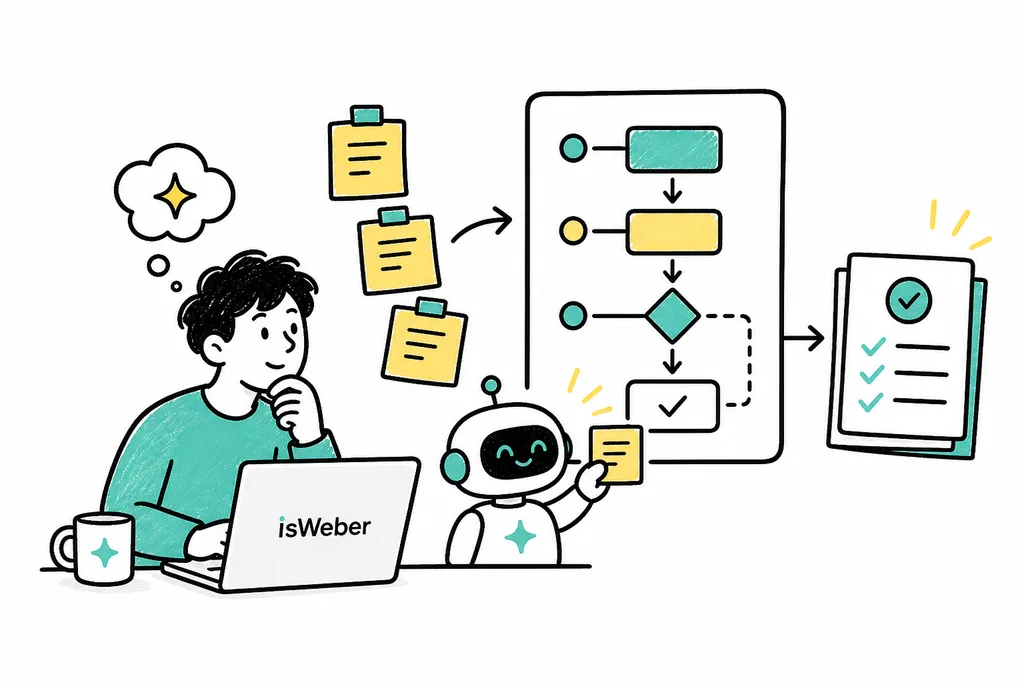
Pick the type of task you want to complete, such as content creation, SEO, marketing copy, product operations, or development support.
Enter the goal, background, audience, keywords, output format, and constraints so the prompt fits your task more closely.
The system will turn your input into a clear, structured prompt that you can copy directly into an AI tool.
Save the useful prompt as a template. Next time, just swap the variables and start your new task quickly.
I used to spend a lot of time iterating on complex prompts. Now I generate the structure first and refine it myself. The setup speed is much better.
I mainly use it for SEO titles, article outlines, and product descriptions. I do not need to reorganize the requirements every time, and saved templates are especially convenient.
I am not very good at writing prompts, but this tool guides me to add background, goals, and format. The results are much more stable than asking AI directly.
Our team turns common content processes into templates, so new teammates can follow them too. It cuts down a lot of repeated explanations.
The most useful part is that I can keep good prompts as assets. After using it for a while, it feels more like my own AI workflow library.
Enter your task requirements and quickly generate a clear, usable, reusable AI prompt.